How to Fix HEETS TEREA (Indonesia Version)

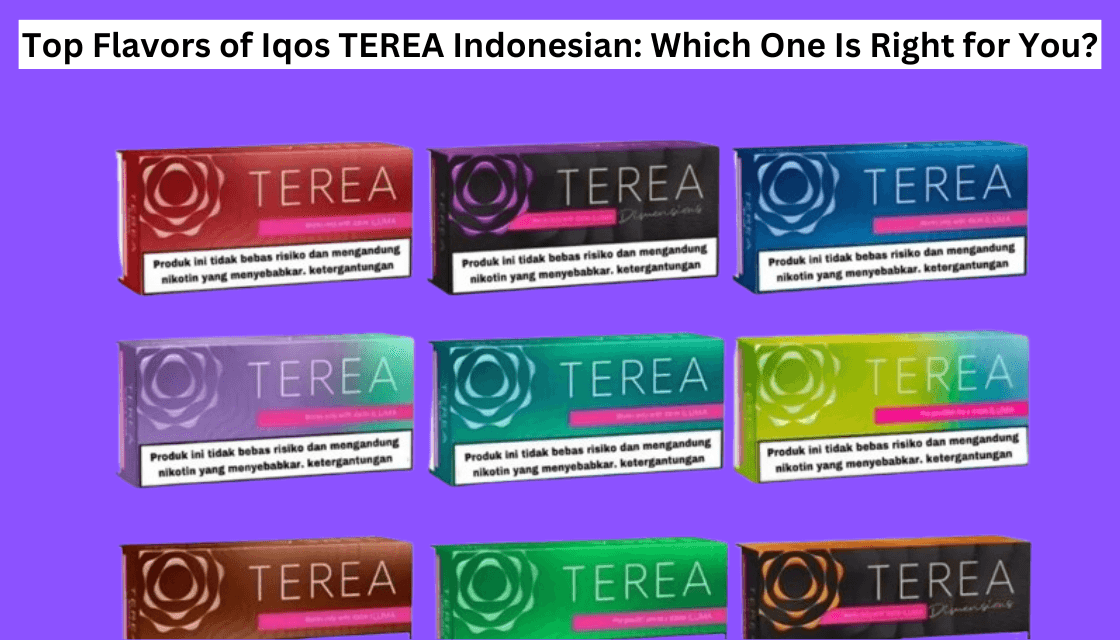
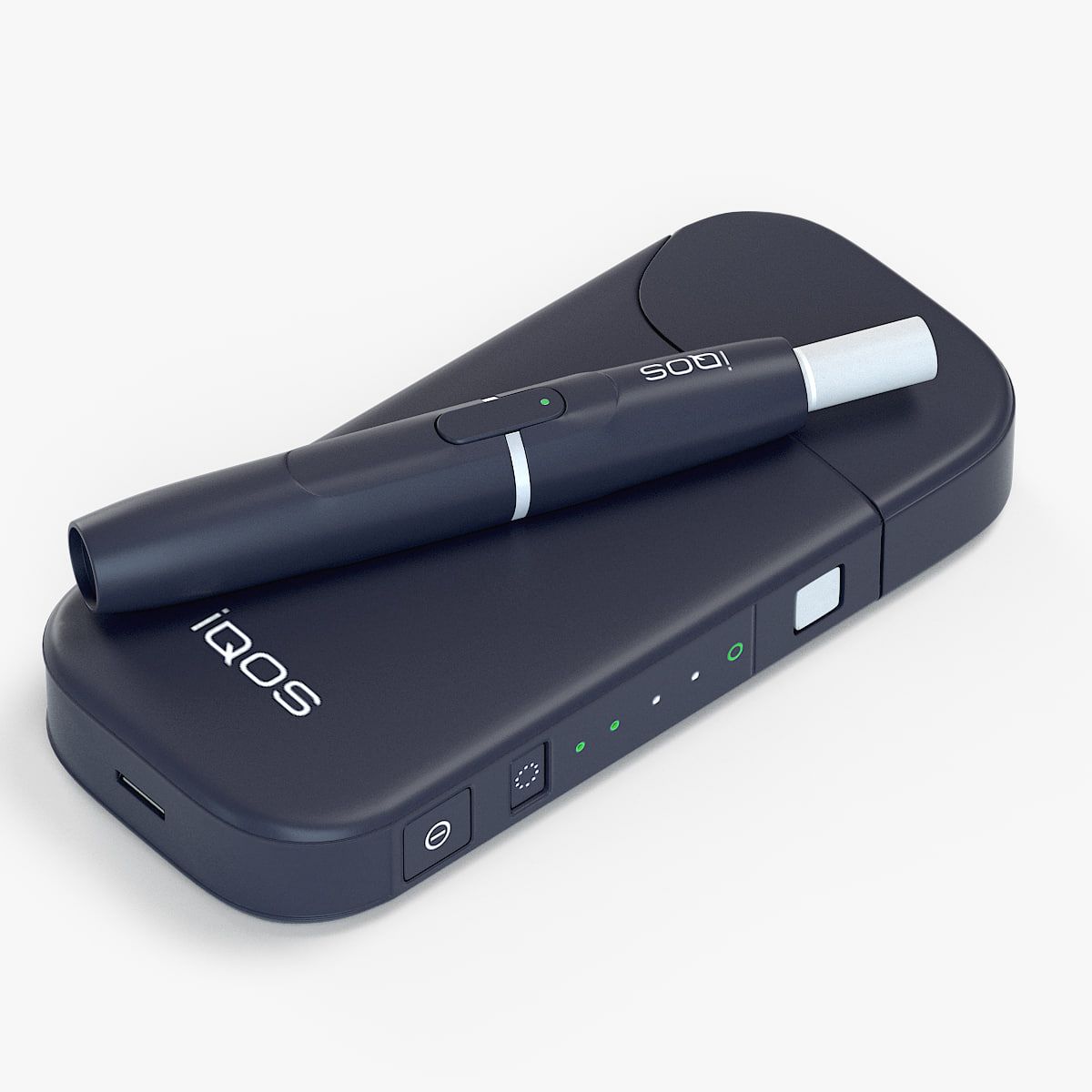
The HEETS TEREA (Indonesia version) is designed specifically for IQOS ILUMA devices, using a modern SMARTCORE induction heating system instead of the traditional blade system. While this technology provides a cleaner and more consistent experience, it also introduces some unique issues that users may face.
The good news is that most TEREA-related problems are easy to fix at home once you understand the cause. This guide will walk you through common problems and step-by-step solutions to get your device working properly again.
Understanding How TEREA Works
Before fixing issues, it’s important to understand how TEREA sticks function.
- TEREA sticks contain a metal core inside, which heats through induction (not burning).
- They are only compatible with IQOS ILUMA devices and won’t work with older IQOS models.
- The system is more sensitive to insertion, cleanliness, and temperature conditions.
Because of this advanced design, even small mistakes can cause problems—but they are usually simple to fix.
1. Device Not Heating or Not Working
Problem:
Your IQOS ILUMA does not heat when you insert a TEREA stick.
Causes:
- Wrong stick type (using HEETS instead of TEREA)
- Incorrect insertion
- Device glitch or system error
Fix:
- Use only TEREA sticks
- ILUMA devices detect TEREA specifically and won’t work with other sticks.
- Insert correctly
- Push the stick straight down until it reaches the base.
- Avoid tilting or forcing it.
- Reset the device
- Press and hold the button for about 7–10 seconds until lights blink.
- Check Auto-start settings
- Some devices require manual activation if auto-start is off.
2. Weak Vapor or Low Smoke
Problem:
You notice weak vapor or poor performance.
Causes:
- Improper insertion
- Airflow blockage
- Low battery
- Poor-quality or fake sticks
Fix:
- Ensure the stick is fully inserted
- Clean the airflow path gently with a cotton swab
- Charge the device fully before use
- Avoid using damaged or old sticks
Weak vapor often happens when airflow is blocked or contact is incomplete.
3. Burnt or Harsh Taste
Problem:
The taste feels burnt, dry, or unpleasant.
Causes:
- Residue buildup inside holder
- Overuse without rest
- Poor storage of TEREA sticks
Fix:
- Clean the holder regularly
- Use cleaning sticks or brush to remove tobacco residue
- Let the device cool
- Avoid back-to-back sessions
- Store sticks properly
- Keep below 25°C and avoid humidity or heat
A burnt taste usually means uneven heating due to dirt or dry tobacco.
4. TEREA Stick Stuck Inside Device
Problem:
The stick gets stuck after use.
Causes:
- Inserted at an angle
- Stick deformed during heating
- Old or dry sticks
Fix:
- Wait until the device cools down
- Gently twist and pull the stick out
- Use a cleaning tool if needed
⚠️ Never pull forcefully—this can damage the device.
If a piece breaks inside:
- Use a toothpick or tweezers to remove it carefully
5. Device Lights Blinking (Red/Yellow)
Problem:
Your IQOS ILUMA shows blinking lights.
Meaning & Fix:
- Yellow light → Low battery
- Charge fully (about 75 minutes)
- Red light → Error
- Reset device
- If it continues, device may need service
- White blinking → Temperature issue
- Warm device in hands or let it cool down
6. Stick Not Fitting Properly
Problem:
TEREA stick feels tight or won’t go in smoothly.
Causes:
- Defective stick
- Debris inside chamber
- Previously broken piece inside
Fix:
- Try another stick from the pack
- Check inside holder for leftover tobacco
- Clean gently before inserting
This issue is rare and usually related to individual sticks, not the device.
7. Magnetic Cap or Holder Not Closing
Problem:
The device doesn’t close properly or doesn’t activate.
Causes:
- Dust or debris on magnetic area
- Metal particles interfering
Fix:
- Clean magnetic edges with dry cotton
- Keep away from coins/keys
- Store device in a clean place
8. Device Not Turning On or Charging
Problem:
Device won’t power on or charge.
Causes:
- Faulty cable
- Low battery
- Charger issue
Fix:
- Use original charger only
- Check cable and adapter
- Charge fully before use
Using third-party chargers can cause charging failure.
9. Used Stick Confusion
Problem:
Device doesn’t produce vapor even though it starts.
Cause:
- You may be using a used TEREA stick
Fix:
- Check for:
- Creased paper
- Vapor stains
Used sticks won’t produce proper aerosol.
Preventive Tips to Avoid Problems
To keep your HEETS TEREA (Indonesia version) working perfectly:
- Always use original TEREA sticks
- Insert sticks straight and gently
- Clean the holder regularly
- Store sticks in a cool, dry place
- Avoid dropping or shaking the device
- Don’t reuse sticks
When to Replace Instead of Fix
Sometimes fixing isn’t possible. Replace the stick or device if:
- Device still shows red light after reset
- Heating doesn’t work at all
- Internal damage after dropping
- Repeated burnt taste even after cleaning
Conclusion
Fixing HEETS TEREA (Indonesia version) problems is usually simple once you identify the cause. Most issues—like weak vapor, burnt taste, or device errors—come from:
- Incorrect usage
- Poor maintenance
- Environmental factors
By following the steps above—cleaning regularly, inserting correctly, resetting the device, and storing properly—you can solve most problems quickly and extend the life of your IQOS ILUMA experience