Common IQOS ILUMA Issues With Solutions

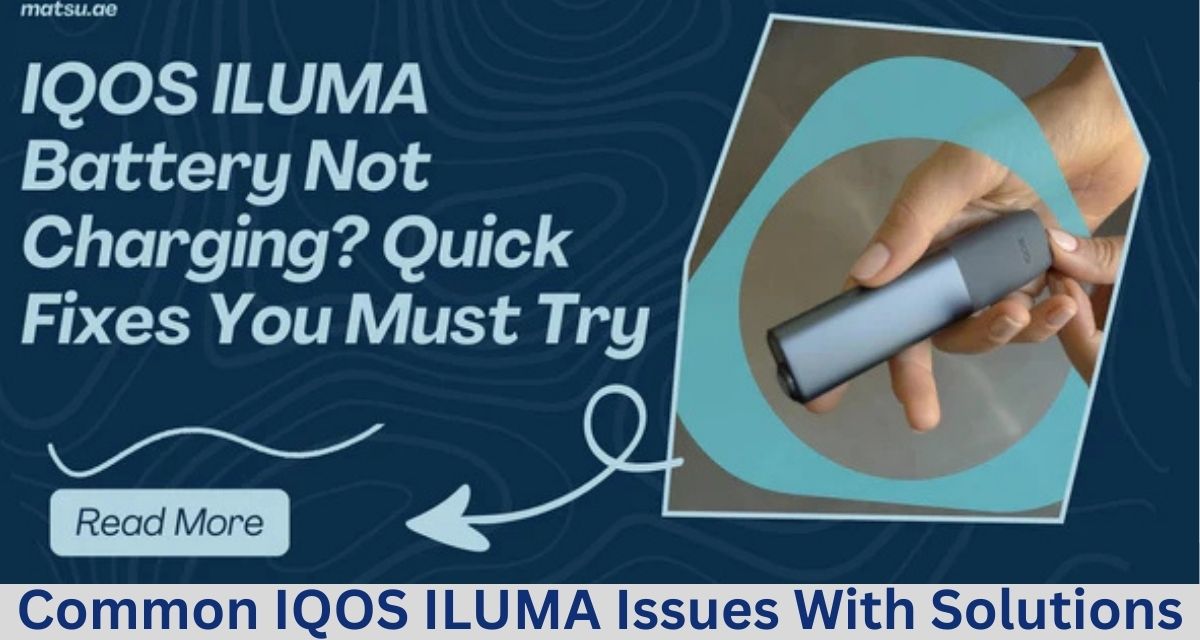
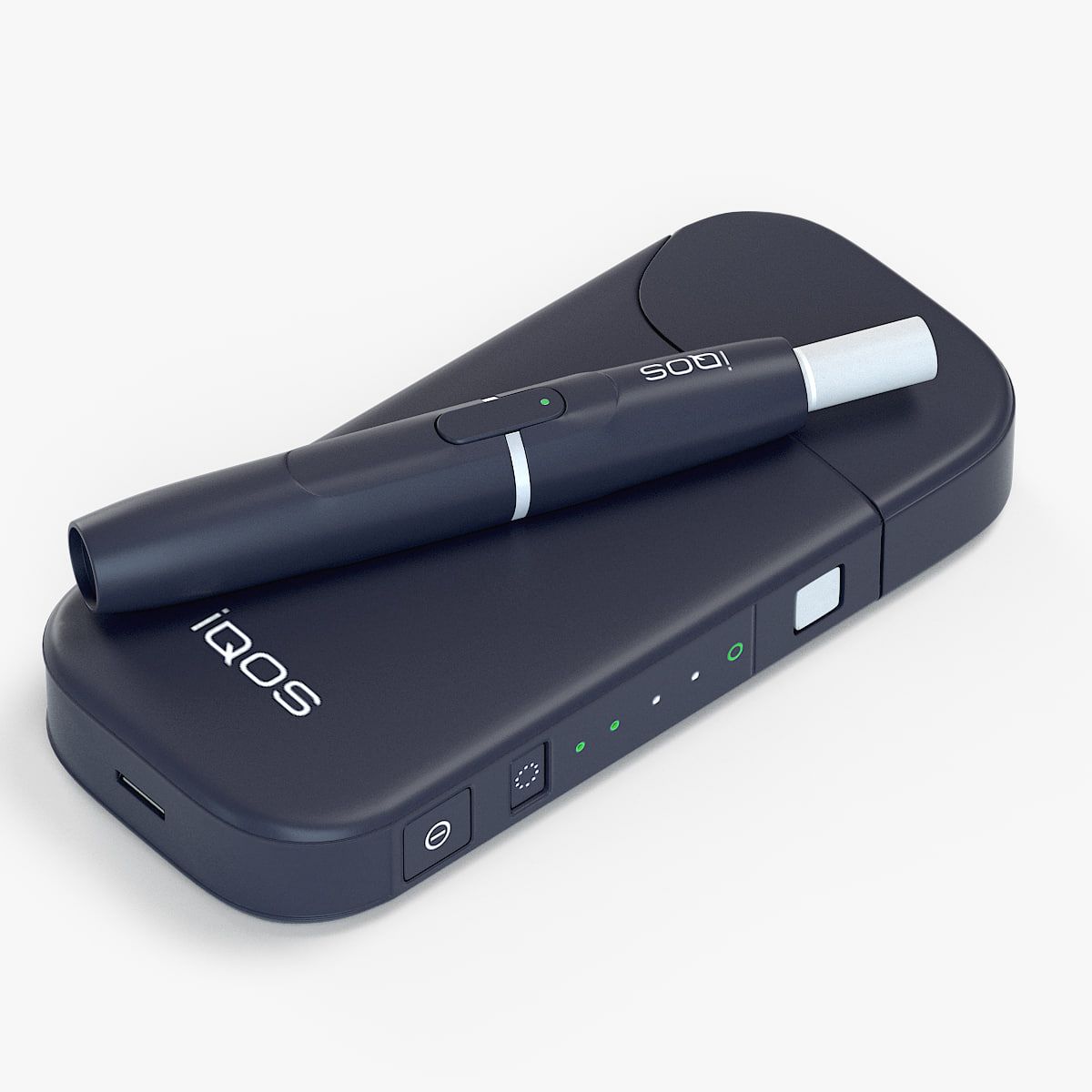
The IQOS ILUMA is a modern tobacco heating system designed to provide an alternative to traditional smoking. While it incorporates advanced technology and an intuitive design, users occasionally experience technical or functional issues. Understanding common problems and practical solutions can help users maintain optimal device performance. This discussion outlines the most frequently reported issues, their possible causes, and general strategies to address them.
1. Device Not Turning On
Issue: One of the most basic but common problems is when the device fails to power on, even after attempting to charge it.
Possible Causes:
- Battery depletion: The device may be completely drained.
- Faulty charging connection: Dust, debris, or misalignment may prevent proper charging.
- Internal iqos device malfunction: Rarely, software or internal hardware issues may prevent startup.
Potential Solutions:
- Ensure the device is fully charged using the official charger and cable. Avoid using low-quality or third-party chargers that may not provide sufficient current.
- Inspect the charging port and connections for dirt or dust. Clean gently with a soft, dry brush or cotton swab.
- Perform a reset (if the device supports it) by pressing the power button for an extended period, often 10–15 seconds.
- If the device remains unresponsive, professional servicing may be required.
2. Device Not Heating Properly
Issue: Sometimes the device heats unevenly or fails to reach the proper temperature to produce vapor.
Possible Causes:
- Misaligned tobacco sticks or improper insertion.
- Accumulation of residue or debris on heating elements.
- Low battery or inconsistent power delivery.
Potential Solutions:
- Ensure the tobacco stick is inserted correctly and fully seated according to the device’s guidance.
- Regularly clean the heating blade or induction system using the recommended cleaning tool. Avoid using metal objects that could damage sensitive components.
- Charge the device fully before use to ensure sufficient power.
3. Unresponsive Buttons or Touch Controls
Issue: On devices with buttons or touch-sensitive controls, unresponsiveness or intermittent activation can occur.
Possible Causes:
- Dust or residue accumulation around buttons or touch sensors.
- Moisture exposure, which can interfere with electronic contacts.
- Software glitches.
Potential Solutions:
- Gently clean around buttons with a dry microfiber cloth. Avoid using liquids that could cause short circuits.
- Ensure the device is kept dry and avoid using it in humid environments.
- If unresponsiveness continues, a firmware reset may help restore normal function.
4. Bluetooth Connectivity Problems
Issue: Some IQOS ILUMA devices connect to mobile apps via Bluetooth for device monitoring, but users may experience pairing failures or unstable connections.
Possible Causes:
- Weak Bluetooth signal or interference from other devices.
- Outdated mobile app software.
- Device firmware compatibility issues.
Potential Solutions:
- Move the device closer to the phone and minimize other Bluetooth connections.
- Update the mobile app and ensure the device’s firmware is current.
- Restart both the mobile device and IQOS ILUMA to refresh the connection.
5. Short Usage Time Between Charges
Issue: Users occasionally report that the device does not provide the expected number of uses before needing a recharge.
Possible Causes:
- Natural battery degradation over time.
- Frequent short heating cycles or repeated use without allowing full charging.
- Environmental factors such as extreme temperatures.
Potential Solutions:
- Fully charge the device before prolonged use.
- Avoid leaving the device in very hot or cold environments, as this can reduce battery efficiency.
- Replace the device or battery if performance significantly declines over time.
6. Unusual Flavors or Burnt Taste
Issue: Users may experience off-tastes, such as burnt or bitter flavors.
Possible Causes:
- Residue buildup on heating elements.
- Using tobacco sticks incorrectly or beyond recommended limits.
- Overheating due to improper device handling.
Potential Solutions:
- Clean the device thoroughly after each use using recommended cleaning tools.
- Only use compatible tobacco sticks and avoid forcing sticks into the device.
- Allow the device to cool between consecutive uses.
7. Device Locking or Error Messages
Issue: Devices sometimes display error messages or refuse to operate temporarily.
Possible Causes:
- Overuse without rest, causing internal protection mechanisms to activate.
- Connection issues between the heating blade and the tobacco stick.
- Minor software glitches.
Potential Solutions:
- Wait a few minutes to allow the device to reset and cool down.
- Reinsert the tobacco stick carefully and ensure proper alignment.
- Restart the device to clear minor software errors.
- Persistent errors may require professional diagnostics or repair.
8. Difficulty Removing Tobacco Sticks
Issue: Sticks may become stuck or difficult to remove after heating.
Possible Causes:
- Residue buildup or condensation in the insertion chamber.
- Using a damaged or incompatible stick.
Potential Solutions:
- Avoid excessive force; gently twist or wiggle the stick to remove it.
- Clean the insertion chamber regularly to reduce residue.
- Only use sticks recommended for the IQOS ILUMA system.
9. Indicator Lights Malfunctioning
Issue: LEDs on the device may fail to indicate status properly, such as battery level or heating readiness.
Possible Causes:
- Software glitches.
- Damaged or loose LED components.
- Battery issues.
Potential Solutions:
- Perform a device reset to clear temporary software issues.
- Ensure the device is fully charged, as low voltage can affect LEDs.
- Persistent lighting problems may indicate hardware failure, requiring professional service.
10. Cleaning and Maintenance Challenges
Issue: While not a technical fault, users often struggle to maintain optimal performance due to the device’s compact design.
Solutions:
- Use designated cleaning tools to reach internal components without damaging them.
- Avoid liquids or sharp objects that can harm the heating blade or sensors.
- Regular cleaning extends lifespan and prevents many of the issues listed above.
11. Overheating
Issue: Occasionally, the device may feel unusually hot during or after use.
Possible Causes:
- Continuous use without allowing cooling periods.
- High ambient temperatures.
- Internal battery or heating system issues.
Potential Solutions:
- Allow the device to cool between uses.
- Do not leave the device in direct sunlight or hot environments.
- If overheating persists, stop use immediately and seek professional assessment.
Conclusion
The IQOS ILUMA is a sophisticated tobacco heating system designed for convenience and reduced complexity compared to traditional smoking. Like all electronic devices, it may occasionally experience issues ranging from power failures to flavor inconsistencies or connectivity problems. Most common issues are related to battery management, residue buildup, user handling, or minor software glitches. Regular maintenance, careful handling, and adherence to proper usage guidelines can prevent many problems. For persistent or hardware-related issues, consulting professional service channels is recommended.