Why Is My RELX Pod Not Working?

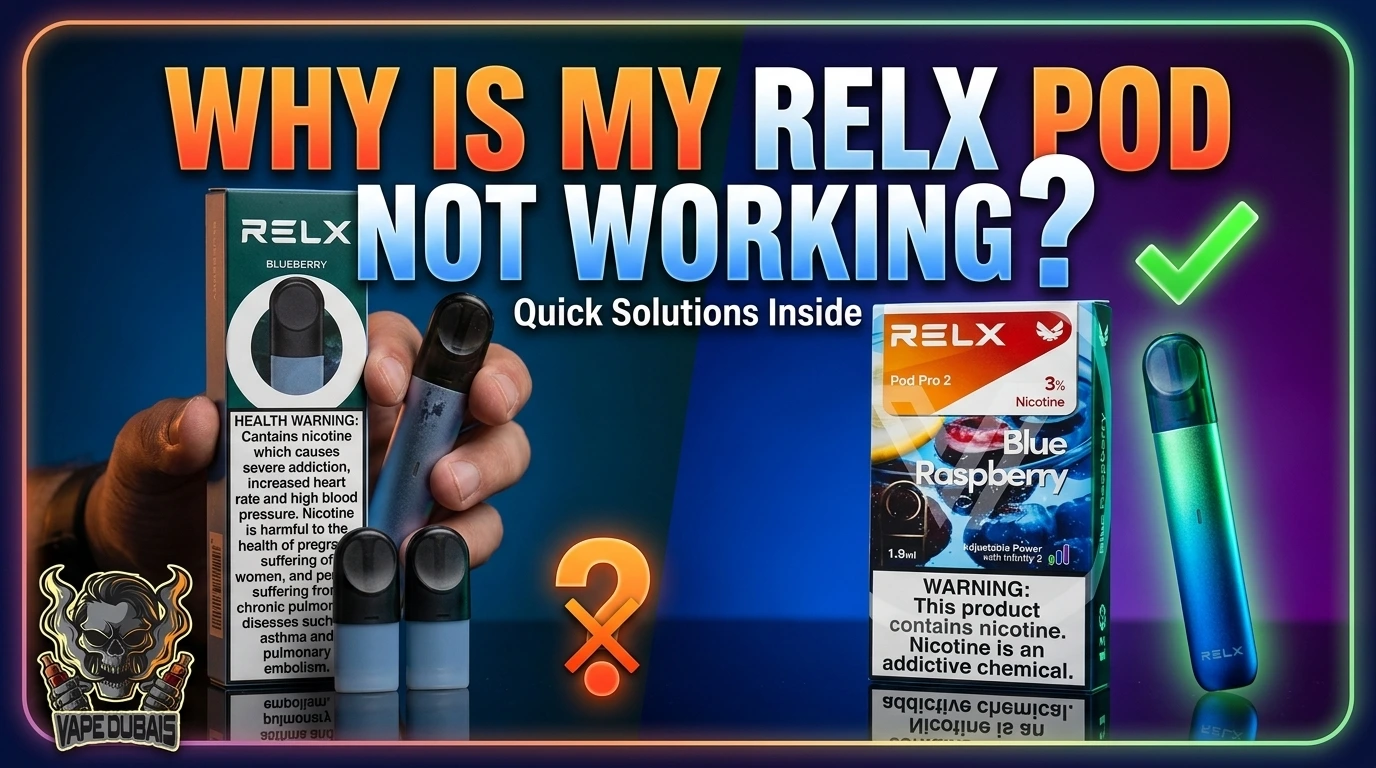
When a RELX pod stops firing, the usual causes are a poor connection between the pod and device, condensation or debris around the contacts, a low or depleted battery, a new pod with its packaging still attached, a clogged or defective pod, or a device or electrical fault. The fastest way to sort it out is to work out whether the problem sits with the pod, the connection, the battery, or the device itself.
Most of these checks take a few minutes and need nothing more than a dry cotton swab.
Quick Answer: Why Is My RELX Pod Not Working?
Remove the pod and reseat it firmly. Check that it isn’t empty or damaged, and that any packaging has been removed. Look at the contacts for condensation or debris, check the battery, and then try another compatible pod.
If another pod works, the original pod is the likely problem. If several compatible pods fail, the device may need support or replacement.
What Kind of RELX Pod Problem Are You Having?
“Not working” can mean several different things, and each points to a different place. Find your symptom first, then use the sections below for the details.
| Symptom | Most likely areas to check |
| No vapour at all | Battery, connection, pod, device |
| Weak vapour | Pod condition, airflow, battery |
| Burnt taste | Pod condition, depleted e-liquid |
| Device doesn’t react | Battery, contacts, device |
| Works on and off | Connection, condensation, pod |
| Blinking light | Model-specific warning or status |
| New pod doesn’t work | Packaging, compatibility, defective pod |
The Four Areas Behind Most RELX Problems
A RELX device only works when several parts do their job together. When something fails, it almost always falls into one of four areas:
- The pod: it needs e-liquid and an intact, undamaged coil system.
- The connection: the pod and device must touch properly at their contacts.
- The power: the battery must hold enough charge for the device to fire.
- The device and airflow: the device has to sense your draw, and air has to move freely through the pod.
Keeping these four in mind makes troubleshooting much faster, because every fix below belongs to one of them.
7 Common Reasons a RELX Pod Is Not Working
1. The pod isn’t making proper contact
What it looks like: The device does nothing when you inhale, or behaves as if no pod is installed.
Why it happens: The connection relies on small metal contacts touching. A slightly crooked pod, or something sitting between the contacts, can stop the device from registering it.
What to do: Remove the pod and press it back in firmly and evenly. If that doesn’t help, follow the cleaning step in the fix sequence further down.
2. The battery is too low
What it looks like: The device worked yesterday and now barely reacts.
Why it happens: A device without enough charge may not fire, even when the pod is fine.
What to do: Check the battery indicator and charge the device following the instructions for your exact model. Charging requirements differ between RELX devices, so use the manufacturer-recommended charger and cable rather than assuming any charger will do.
3. The pod isn’t seated correctly
What it looks like: The pod feels loose, wobbles, or doesn’t click in the way you expect.
Why it happens: It is easy to stop pushing a little early, especially when you’re changing pods in a hurry.
What to do: Take the pod out and look at the connecting end. If it appears undamaged, reinsert it straight, without twisting. If it won’t seat with gentle pressure, don’t force it. It may be damaged or not designed for that device.
4. Condensation or debris is affecting the connection or airflow
What it looks like: The problem comes and goes, or started after the device sat in a bag, a pocket, or a warm car.
Why it happens: Small amounts of condensation, e-liquid residue, dust, or lint can collect around the contacts and the airflow openings. Moving between air-conditioned rooms and outdoor heat can make this more likely.
What to do: Clean only what you can see and reach, as described in the fix sequence below. Never push anything into the device.
5. The pod is empty, clogged, or defective
What it looks like: A burnt or muted taste, very little vapour, visible leaking, or a pod that is clearly drained.
Why it happens: Pods are sealed, single-use parts. Once the e-liquid runs out, the pod can’t perform. Occasionally, a pod is faulty from the start or becomes blocked.
What to do: Check the liquid level through the pod window. If the pod is empty, leaking, cracked, or damaged, replace it. Don’t try to open, refill, or repair a sealed pod.
6. A new pod still has protective packaging attached
What it looks like: A brand-new pod produces nothing, or the draw feels blocked.
Why it happens: Pods can ship with plugs, films, or seals that must be removed before use. The type varies, so don’t assume your pod matches another one.
What to do: Look over the mouthpiece end and the connecting end, and remove anything the manufacturer’s instructions say should come off.
7. The RELX device may have a fault
What it looks like: Several different pods fail in the same device, or the device shows no sign of life even after charging.
Why it happens: Batteries and electronics wear out, and devices can be damaged by drops, heat, or moisture.
What to do: Use the pod-versus-device test below. If the device seems faulty, stop troubleshooting and contact the seller or the manufacturer’s support.
How to Fix a RELX Pod That Is Not Working
Work through these steps in order and stop as soon as the device works again.
- Inspect the pod. Check whether it is empty, leaking, or visibly damaged. If so, replace it.
- Check the packaging. Make sure any removable plugs, films, or seals have been taken off.
- Reinstall the pod. Remove it and push it back in firmly and evenly.
- Clean the contacts gently. Look at the metal contact points on the pod and the device. Wipe the accessible areas with a dry cotton swab or a clean, dry tissue. Don’t use water, alcohol, or any cleaning liquid, and don’t push anything deep into the device.
- Check the battery. Look at the indicator and charge the device if it is low.
- Let condensation clear. If the device has been somewhere hot or damp, leave it at room temperature for a while, then check the airflow openings for visible blockage. Don’t blow hard into the pod, shake it, or heat it.
- Try another compatible pod. This is the most useful test you can run.
- Consider the device. If several known-good pods fail in the same device, the device is the likely cause.
RELX Pod Not Working but the Device Is Charged
A full battery rules out only one cause. It says nothing about whether the pod is making contact, whether the pod is compatible, or whether air can flow through it.
When the device is charged and still won’t fire, the problem usually sits in one of these places:
- The pod isn’t touching the contacts properly
- The contacts are covered in residue or condensation
- The pod isn’t designed for that device
- The pod is defective or blocked
- Something is obstructing the airflow
- The device faults on its own
The quickest way to narrow this down is to swap in a different compatible pod. If it fires, the first pod was the problem. If it doesn’t, the device moves to the top of the suspect list.
RELX Pod Stopped Working After Changing Pods
If the trouble began right after you installed a new pod or switched to a different type, the new pod is a more likely suspect than the device, which was working a moment ago.
Check these in order:
- Compatibility. A pod that fits physically isn’t guaranteed to be designed for your device.
- Packaging. Look for any plug or film still attached.
- Seating. Make sure it sits fully and evenly.
- Contacts. Inspect them as in step 4 above.
- The previous pod. If it still has liquid and isn’t damaged, put it back in. If it works, the new pod is the culprit.
Only blame the device when more than one known-good pod fails in it.
Is It the Pod or the Device?
A test pod gives you most of the answer.
One pod fails, another works. The failing pod is the likely problem. It may be empty, blocked, or defective.
Several compatible pods fail in the same device. Suspect the device. The cause could be the battery, the contacts, or internal electronics.
The device shows no response at all. Check the battery first and read the instructions for your exact model. Some devices behave differently while charging or in certain states, so don’t assume the pod is at fault.
A pod works in one device but not another. That points to the second device, or to a compatibility mismatch between that pod and that device.
RELX Pod Pro and Pod Pro 2: What to Check
Troubleshooting can differ depending on the exact pod and device combination. RELX has released several generations of devices and pods, and they shouldn’t be treated as interchangeable by default.
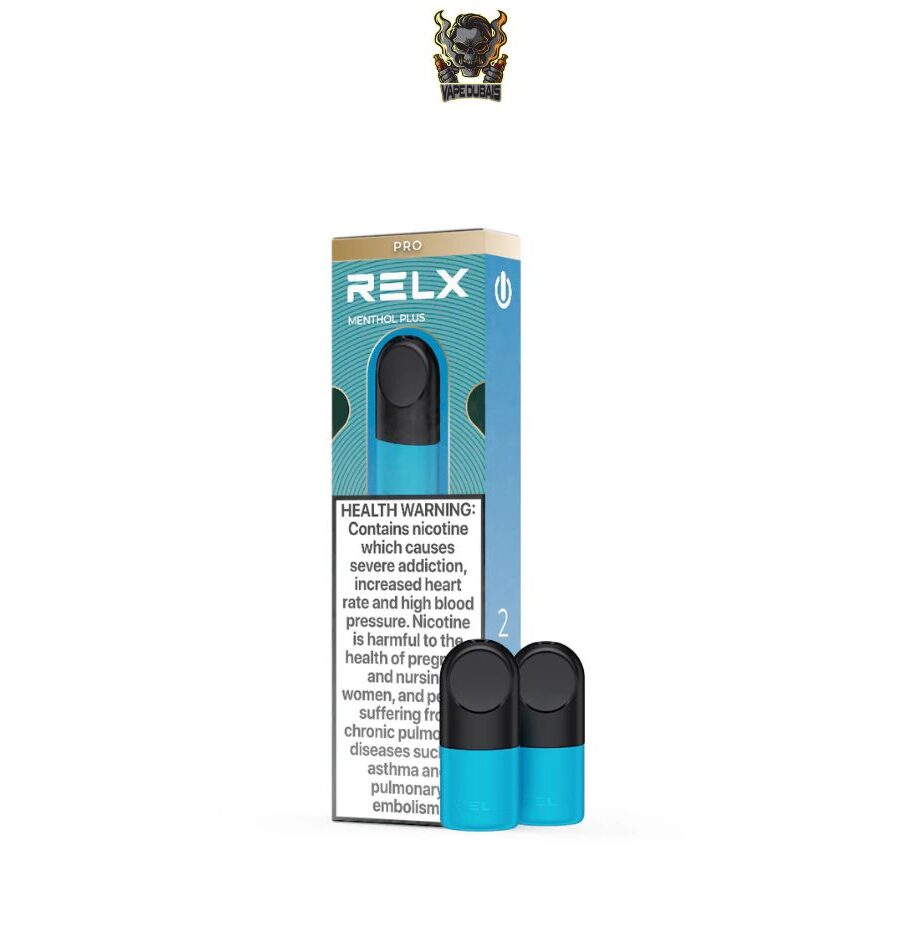
If you use a Pod Pro or Pod Pro 2 pod, keep these points in mind:
- Confirm compatibility first. Check that your pod is designed for your device model. The manual or the manufacturer’s official information is the most reliable source. If you can’t confirm compatibility, treat it as unverified.
- Seating matters on every model. A pod that needs force to fit is a warning sign.
- Connection problems look similar across generations. The same pod-versus-device test applies whichever you use.
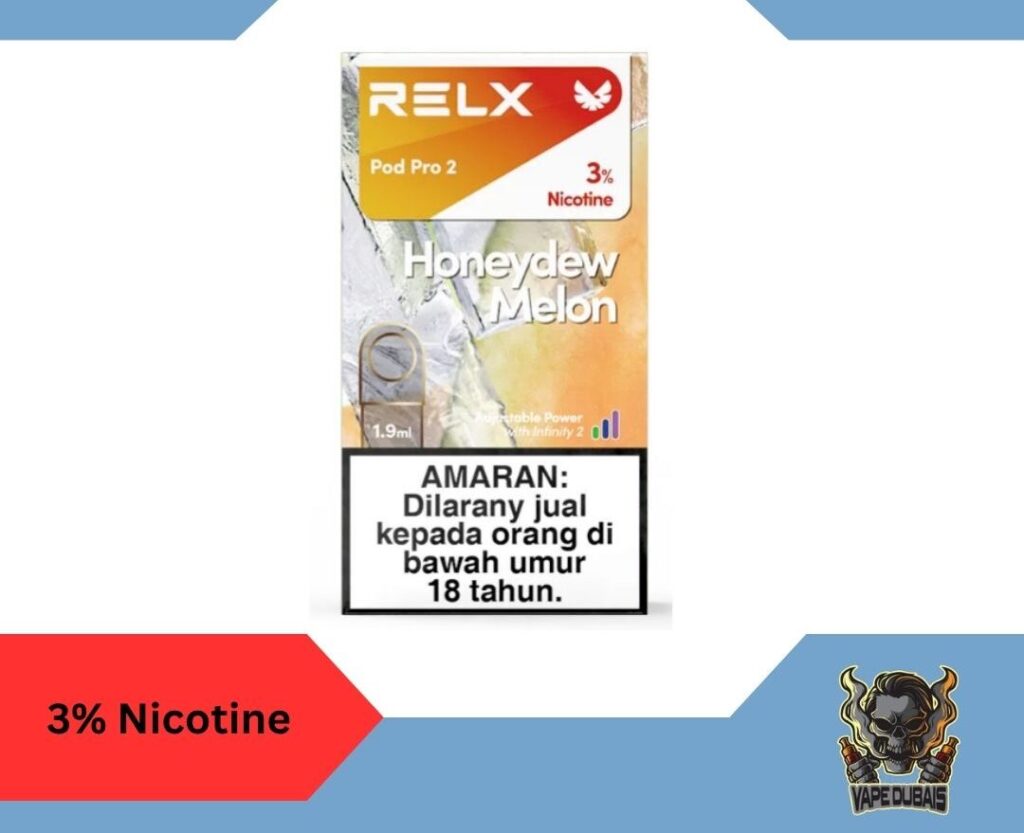
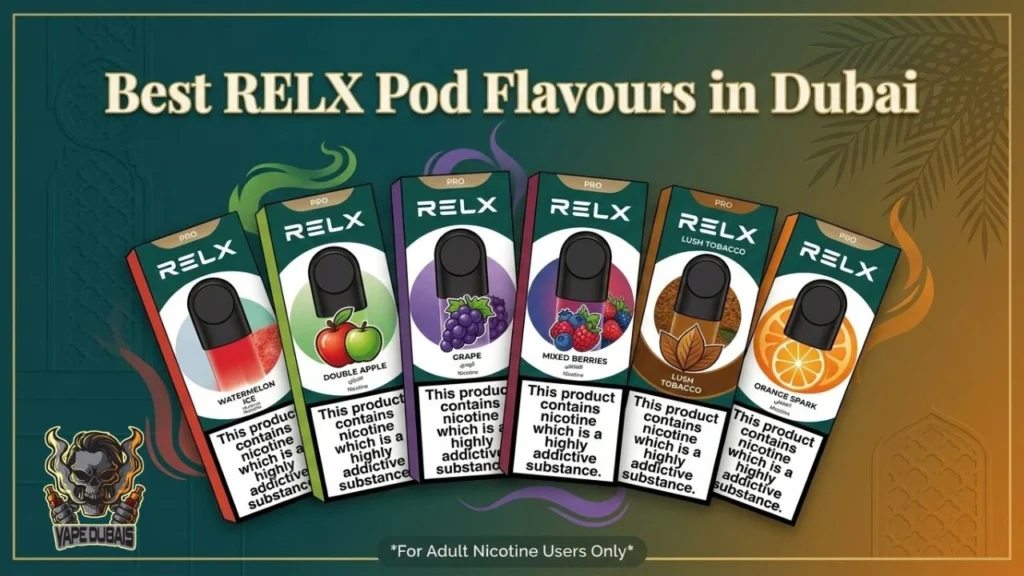
If you’re using a Pod Pro-compatible device, check the RELX Pod Pro range before choosing a replacement. For a Pod Pro 2 setup, look through the Pod Pro 2 pods and confirm compatibility before ordering.
What Does the RELX Light Mean When the Pod Is Not Working?
Light behaviour is a useful clue, but it is easy to misread. RELX devices don’t necessarily use the same light patterns across every model and generation. A colour or blink pattern that means one thing on one device may mean something different on another.
So there is no universal light chart here. A few general points do hold:
- A light that reacts differently when the pod is removed suggests the device is registering the pod connection in some way.
- A light that does nothing at all points you back toward the battery and charging checks.
- The specific meaning of any colour or blink pattern should come from the manual or official support information for your exact model.
If you can’t find that information, describe the light pattern and your model to the seller or manufacturer’s support instead of guessing.
When to Stop Troubleshooting and Get Help
Some situations aren’t for home fixes. Stop using the device and contact the seller or the manufacturer’s support if:
- The device becomes unusually hot
- You notice a burnt smell
- E-liquid has leaked inside the device
- The device or pod is cracked, dented, or otherwise damaged
- The device still doesn’t work after several known-good pods
Never open the device, puncture or pry open a pod, insert metal objects, or modify the battery. These steps are unsafe and won’t fix the problem.
If the hardware does turn out to be the issue, the RELX device range is there when you’re ready for a replacement.
When Should You Replace the RELX Pod?
Replace the pod when:
- It is empty
- It keeps leaking
- It is cracked or visibly damaged
- It tastes burnt even though it still has liquid and the battery is charged
- It fails repeatedly while another compatible pod works in the same device
- You suspect a manufacturing defect
Choose a compatible, genuine pod made for your device. A wrong-format pod or one from an unreliable source can cause the very symptoms you’re trying to fix.
You can find the full RELX pod category to match your device, or look at a specific option such as the Pod Pro 2 Classic Tobacco pod if that is the model you use.
Frequently Asked Questions
Why is my RELX pod not working even though it is full?
A full pod can still fail. The contacts may be dirty, the pod may be seated badly, packaging may still be attached, or the pod may be blocked or incompatible with your device. Test another compatible pod to find out where the fault lies.
Why does my RELX pod work sometimes but not every time?
Intermittent firing usually points to a marginal connection. Condensation, light residue, or a pod that isn’t fully seated can all make contact unreliable. If cleaning and reseating don’t help, a worn device is possible.
How do I know whether my RELX pod or device is faulty?
Swap in a known-good compatible pod. If it works, the first pod was at fault. If several pods fail in the same device, the device is the likely cause.
Why is my RELX device not detecting the pod?
This is usually a connection issue. Reinsert the pod fully and gently wipe the accessible contacts with a dry swab. Then confirm the pod is the correct type for your device.
How do I fix a RELX pod that is not hitting?
Check that the pod isn’t empty and that all packaging is removed. Reseat it and look at the airflow openings for visible blockage. If it still gives little or no vapour, the pod may be clogged or defective, and replacing it is the safest option.
Why is my RELX pod blinking?
It depends on the model, because blink patterns aren’t the same across devices. Check the manual or official support information for your exact device rather than relying on codes from another model.
Can a dirty connection stop a RELX pod from working?
Yes. Residue, condensation, or lint around the contacts can interrupt the connection. Gentle cleaning with a dry swab or tissue is the safe approach, and liquids should never go inside the device.
Can I use any RELX pod in any RELX device?
Don’t assume so. Compatibility depends on the specific pod and device, so check the manual or official product information before buying or inserting a pod you haven’t used before.
Conclusion
Start with the pod, then check the connection, then the battery. If it still won’t fire, try another compatible pod. When several known-good pods fail in the same device, the device is the problem, and it is time to contact support or consider a replacement.